Echoes of Aincrad Character Creation Guide
Custom avatar briefing: what is known about character creation, demo limits, appearance changes, and the difference between your avatar and SAO story characters.
10 min read / First SaveKey Facts
- The existing Protagonist profile states that you create the protagonist instead of playing through Kirito's perspective.
- The existing Protagonist profile states that character creation uses a NerveGear body scan plus preset body options and feature sliders after the beta chapter.
- The demo coverage in current site data describes a fixed beta avatar.
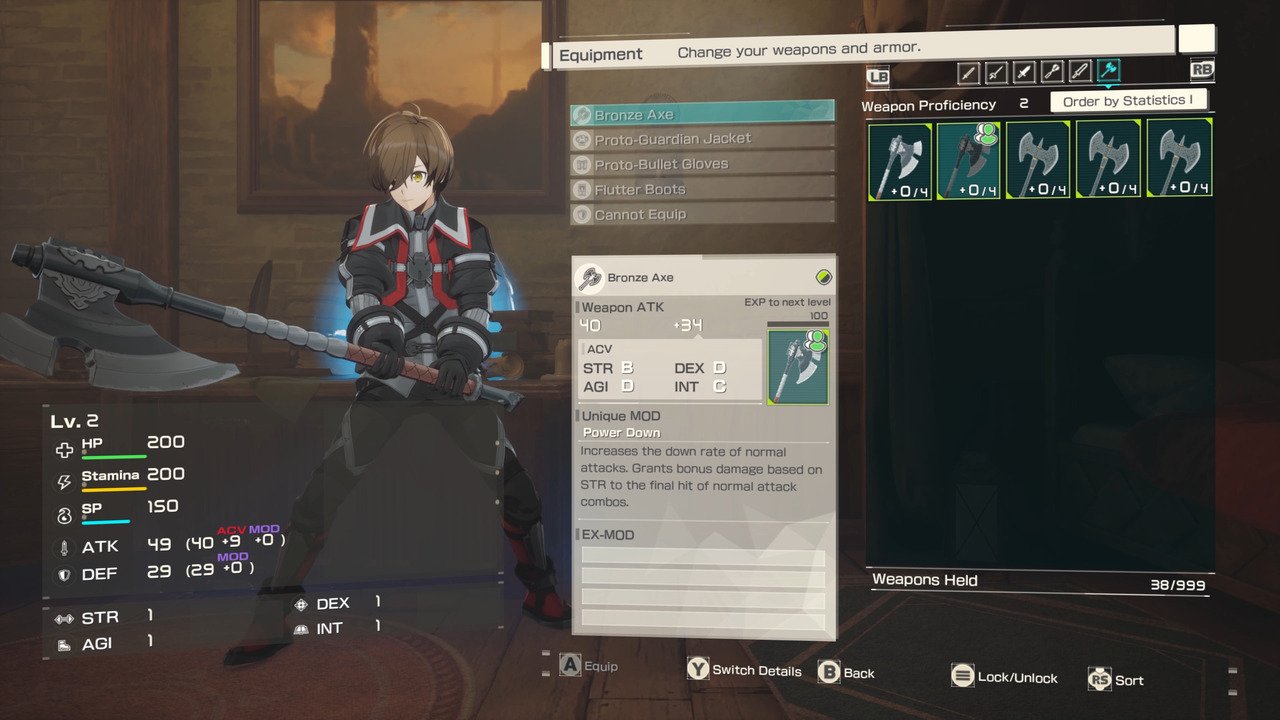
- Weapon choice acts as class selection and can be changed between quests in Town of Beginnings.
- Kirito and Asuna are story characters; Iori is an early partner and mentor figure.
Short answer: Echoes of Aincrad is built around a custom protagonist, not direct control of Kirito. Current site data says character creation uses a NerveGear body scan, preset body options, and feature sliders after the beta chapter. The demo should be treated as limited because the existing site notes describe a fixed beta avatar.
Verification note: Project3 did not attach a concrete reference video URL. This page keeps setup advice tied to current site data and marks launch-sensitive details conservatively.
Character creation basics
Custom character and avatar setup
The safest current read is that the player character is your own survivor inside the Aincrad crisis. Existing site data states that the protagonist is created by the player, carries beta-test context, and fights through a parallel route while familiar SAO characters operate in the wider story.
Do not confuse avatar identity with weapon class. Appearance defines who you are in the story. Weapon choice defines how your route plays. For first-save planning, choose a weapon you can survive with before chasing a style fantasy. The weapons database is the practical next stop.
| Setup layer | What it affects | Current status |
|---|---|---|
| Avatar identity | Player route and story framing | Custom protagonist confirmed in site data |
| Body and feature options | Appearance | Body scan, presets, and sliders listed after beta chapter |
| Weapon choice | Combat style and survivability | Six melee weapons covered in the wiki |
| Partners | Route safety and support tools | AI partner planning, not human co-op |
Demo character creation limits
The demo should not be treated as proof of the full character creator. Existing guide data describes the demo as using a fixed beta avatar. That means the demo is useful for testing combat, weapon timing, Safety Areas, and route flow, but it may not expose the final appearance workflow.
If you are still deciding whether to buy, pair this page with the before-you-buy checklist.
Appearance and customization changes
How to change appearance
Current site data says body options and feature sliders unlock after the beta chapter. Until the final route is verified in-game, treat appearance changes as a post-beta setup step, not something guaranteed in every demo menu or every early save state.
- Finish the beta chapter or the required opening sequence.
- Check town or Inn systems before assuming the option is missing.
- Separate appearance settings from weapon, Growth Point, and Smithy decisions.
- Do not start a Death Game file until you know whether your appearance and build are final.
What can and cannot be changed
Confirmed by current site data: custom protagonist, body options, feature sliders, weapon changes between quests, Growth Point investment, Smithy upgrades, and partner selection. INFERRED / needs direct verification: whether every appearance option can be changed repeatedly, whether name/voice options exist, and whether any cosmetic choices lock after the opening.
SAO characters and story cast
Kirito, Asuna, and Iori context
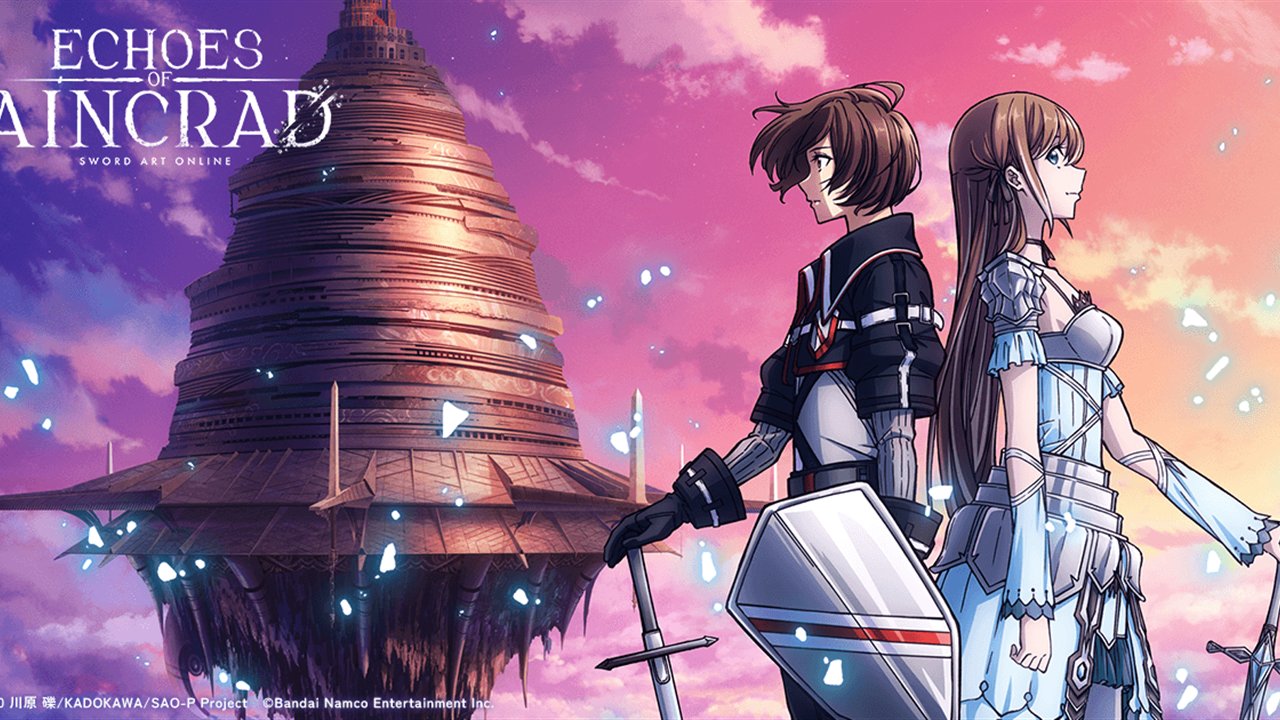
Kirito and Asuna matter because they anchor the early Aincrad story, but existing site data frames them as story characters rather than the player's identity. Iori is different: she is an early ally and mentor tied directly to the protagonist's route.
- Kirito - story NPC context, not the custom avatar.
- Asuna - story role and early-floor context.
- Iori - early partner, Sword and Shield user, and mentor figure.
- Protagonist - the page to read if you want the custom avatar role.
Custom avatar versus story characters
The clean distinction is this: your custom avatar owns the save, build, weapon route, and survival decisions. Story characters provide context, party pressure, or partner value when available. Do not build a first save around becoming Kirito or Asuna. Build around the weapon and partner setup that keeps your avatar alive.
For route execution after character setup, continue with the Beginner Guide and the Death Game Mode rules.